
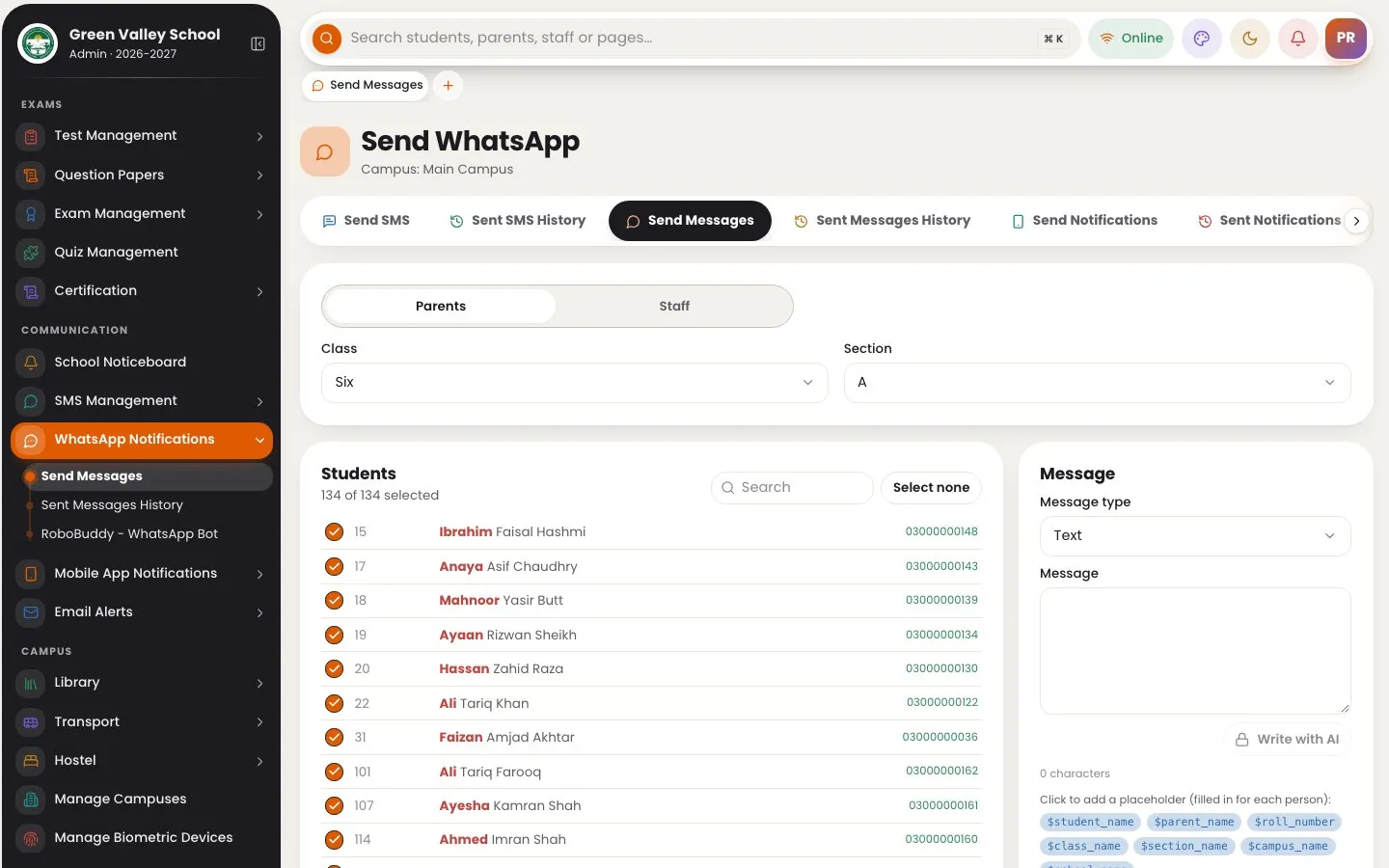

In most countries WhatsApp is the app parents open first. Using it well turns communication from a daily chore into something that runs itself.
Messages that should be automatic
- Absence and late alerts as soon as attendance is marked.
- Fee vouchers, reminders and receipts.
- Results and report cards when an exam is published.
- Daily diary and homework.
- Birthday wishes — small, but parents notice.
Send from the school's own number
EasySchoolin connects to the school's own WhatsApp number, so messages arrive from a name parents recognise. Each campus can use its own number.
Use templates, not typing
Ready templates fill in each student's name, class, amount or result, so one click sends a personal message to every parent.
Keep SMS and email as backups
Some parents prefer SMS or email; connect your provider and the same alerts go there too.
Add the parent app
The free parent app keeps everything in one place — attendance calendar, results, fee history and notices — so parents can look things up without calling the office.
Good manners
Send at sensible hours, keep messages short, and let parents reply to the class teacher in the app instead of a teacher's personal number.
Frequently asked questions
Do we need the WhatsApp Business API?
No. EasySchoolin connects the school's own WhatsApp number by scanning a QR code.
Can we message only one class?
Yes — a class, a section, all parents or all staff.