

Schools hold some of the most sensitive data there is: children's names, photos, addresses, health notes and family finances. Protecting it does not need a large IT team — just good habits and the right software.
1. Least access
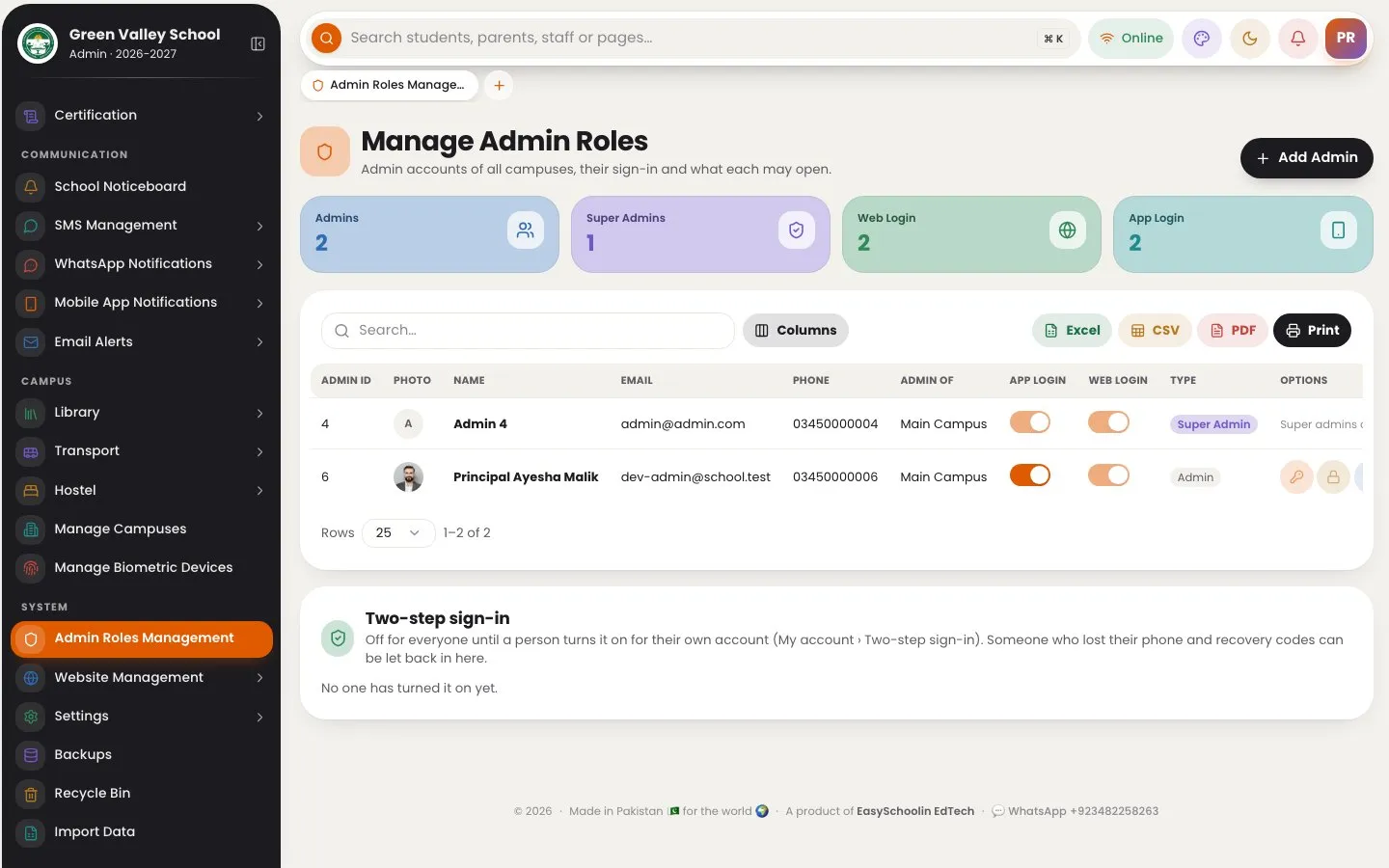
Give each person only what their job needs. In EasySchoolin an accountant can see fees without salaries, and a teacher sees only their own classes.
2. Strong sign-in
Use strong passwords and turn on two-step sign-in with an authenticator app for admins.
3. A private database for each school
Your school's data should not be mixed with other schools'. EasySchoolin gives every school its own database.
4. Encrypted connections
Every page should load over HTTPS (the padlock). EasySchoolin uses 256-bit SSL everywhere.
5. Automatic backups and a recycle bin
Mistakes happen. Daily backups and a recycle bin let you restore what was deleted.
6. An audit log
Know who changed what and when — important when money or marks are involved.
7. Know your local rules
Many countries have data-protection laws for personal and children's data. Keep only what you need, tell parents how you use it, and make sure you can export or delete a family's data when asked.
Frequently asked questions
Who owns the data?
Your school. You can ask us to export it at any time.
Is there two-step sign-in?
Yes, with any authenticator app, for each user who turns it on.