
School Attendance System
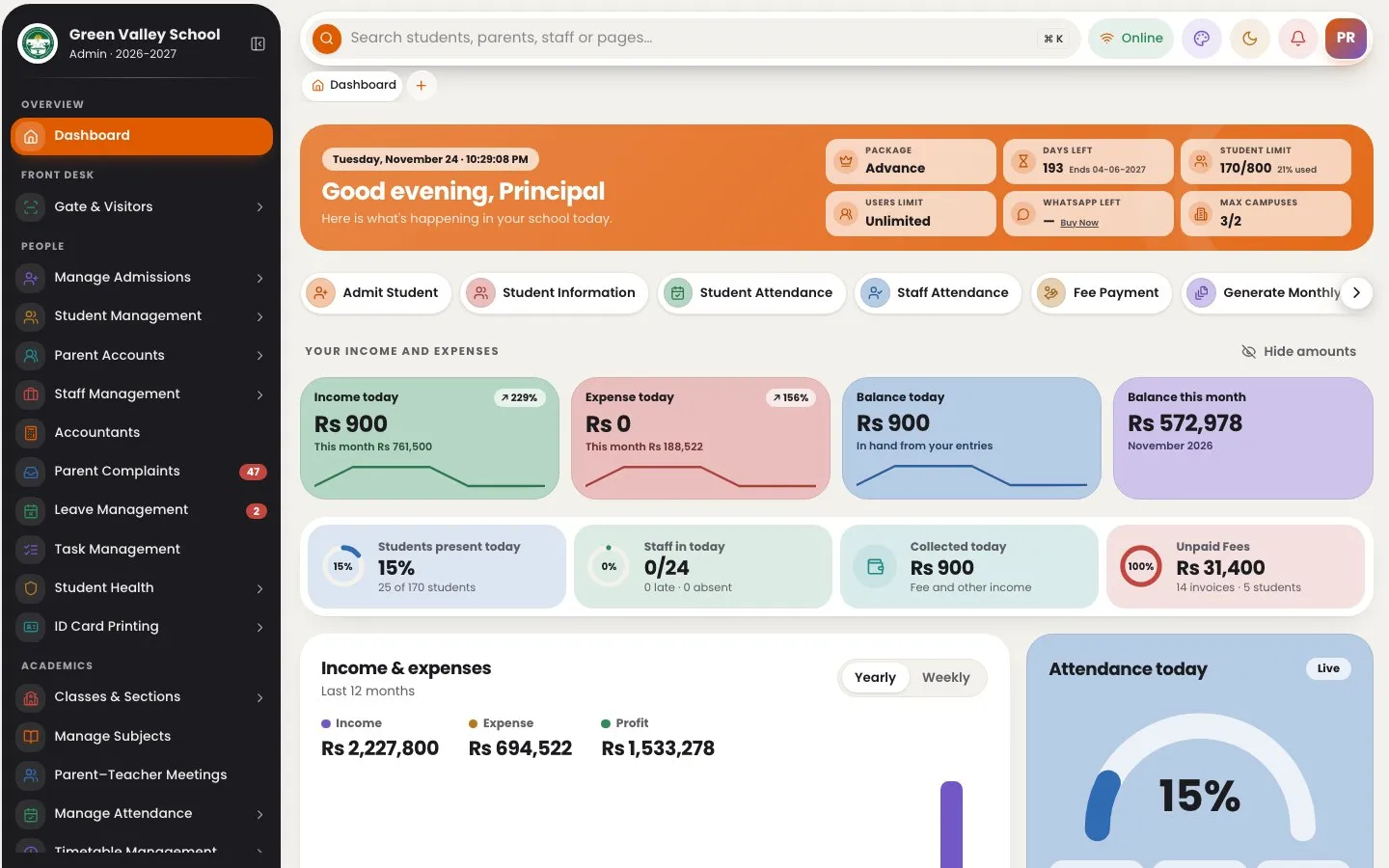
Mark attendance the way that suits each campus — the class teacher on the phone, an ID-card scan at the gate, or fingerprint and face machines for staff. Parents of absent students get a WhatsApp or SMS within minutes.

What you can do
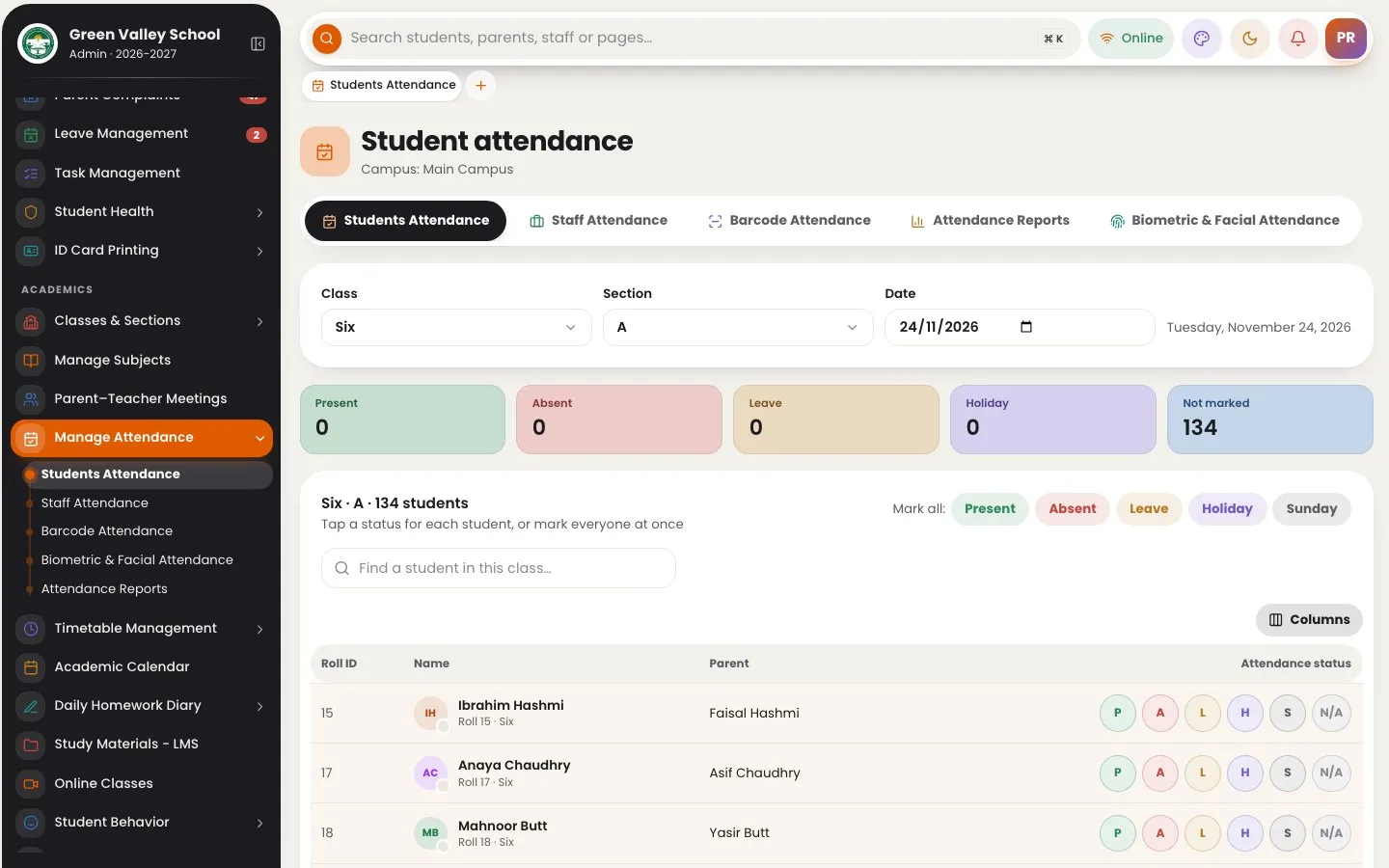
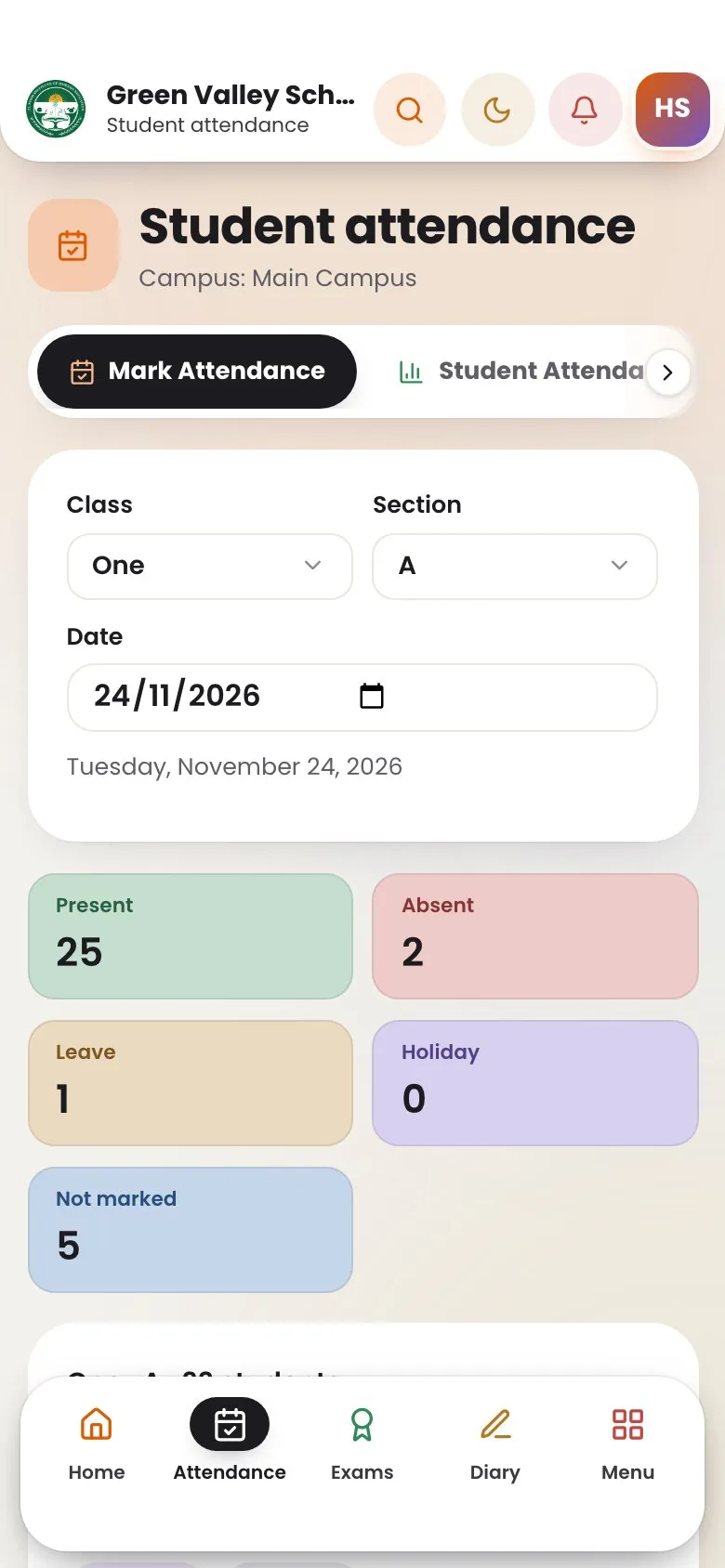
- Class-wise student attendance by the class teacher on web or mobile
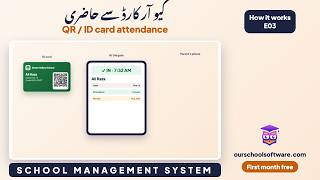
- ID card QR / barcode scanning at the gate, with check-in and check-out times
- Biometric fingerprint and face machines (ZKTeco and compatible) for staff and students
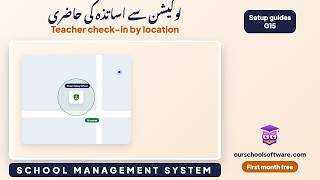
- Staff attendance with late arrival, half day and leave
- Automatic absent / late alerts to parents by WhatsApp, SMS or app notification
- Monthly attendance sheets, summaries and attendance awards
- Gate & visitors log for the front desk
How to use it
Mark attendance
The class teacher taps present, absent, leave or late — on the web or the phone.

Parents are told
Parents of absent and late students get a message within minutes.


See the reports
Daily, monthly and staff attendance reports, ready to print.





More screens

Frequently asked questions
Which biometric machines work with it?
ZKTeco fingerprint and face devices and compatible machines. Students can also be marked by ID card scan or by the teacher app — no machine needed.
Do parents get a message when their child is absent?
Yes, by WhatsApp, SMS or the app, a few minutes after attendance is marked.
Works together with
ID Cards & Certificates
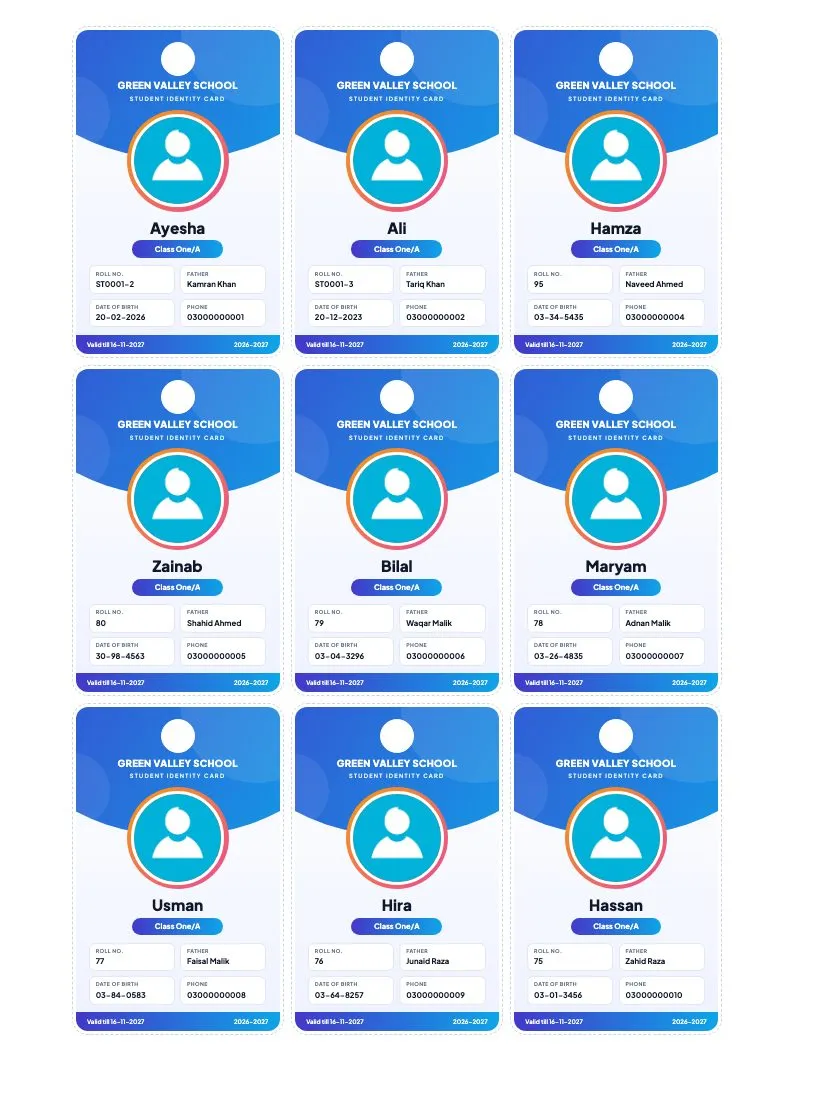
Design and print student and staff ID cards with photo and QR code, transport and gate passes, and certificates: leaving, character, birth and more.
WhatsApp & SMS Alerts
Send fee reminders, absent alerts, results, diaries and notices to parents on WhatsApp, SMS, email and app notifications — automatically or in bulk.
Teacher Portal
Teachers mark attendance, enter marks, write the diary, check homework, plan lessons and track syllabus — only for their own sections and subjects.
Related articles
What Is a School Management System and How Does It Work?
A plain-English guide to school management systems (school ERP): what they do for admissions, fees, attendance, exams and parents, and how a cloud system works day to day.
Biometric, Face and QR Attendance for Schools
Compare attendance methods for schools — teacher app, fingerprint, face recognition and QR-code ID cards — and how each connects to parent alerts and staff payroll.
Try EasySchoolin — your first month is free
Create your free account in two minutes — no card, no payment. Your school is ready straight away, with every feature of the package you choose.