
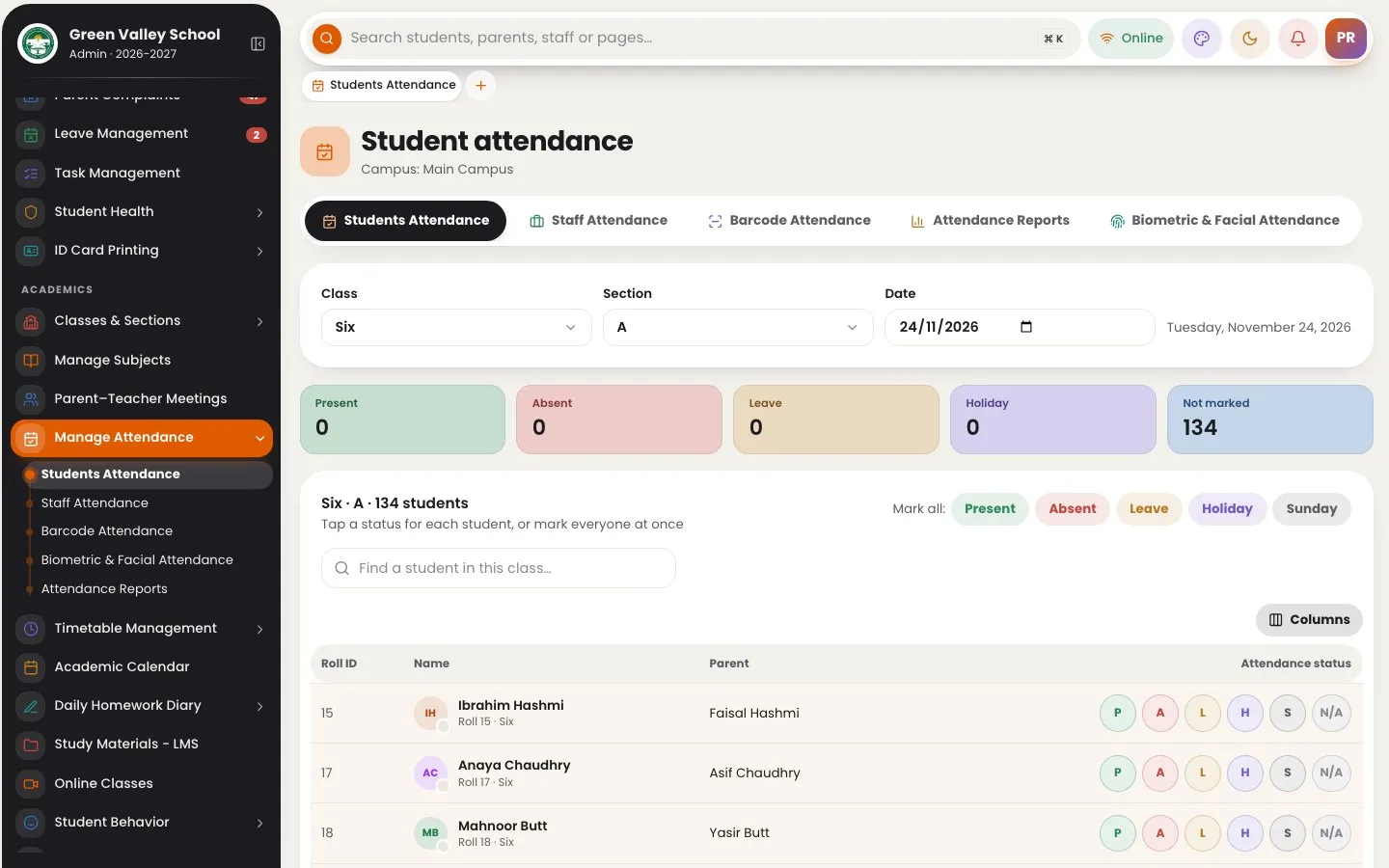

Attendance is taken every day, so small improvements add up. Here is how the common methods compare.
Teacher app
The class teacher taps present or absent for each student on a phone. Fast, no hardware, and alerts go to parents immediately.
Fingerprint machines
Reliable for staff and older students. EasySchoolin works with ZKTeco fingerprint and face devices through a small Windows program that sends punches to the cloud.
Face recognition
Contact-free and quick at busy gates. Good for staff check-in and secondary students.
QR-code ID cards
Print ID cards with a QR code from the software; a phone or tablet at the gate scans them. Cheap and easy for young children.
What to connect it to
- Parent alerts for absence and late arrival.
- Staff timings per department, so late arrivals and half days are counted.
- Payroll, so salaries reflect attendance without manual work.
- Reports by day, month and year.
A sensible setup
Most schools combine two methods: the teacher app in classrooms and one scanner type at the gate or staff room.
Frequently asked questions
Which devices are supported?
ZKTeco fingerprint and face devices, plus QR-code ID cards scanned with a phone or tablet.
Does attendance affect salaries?
Yes, if you want — late arrivals, half days and absences can be counted in payroll.