
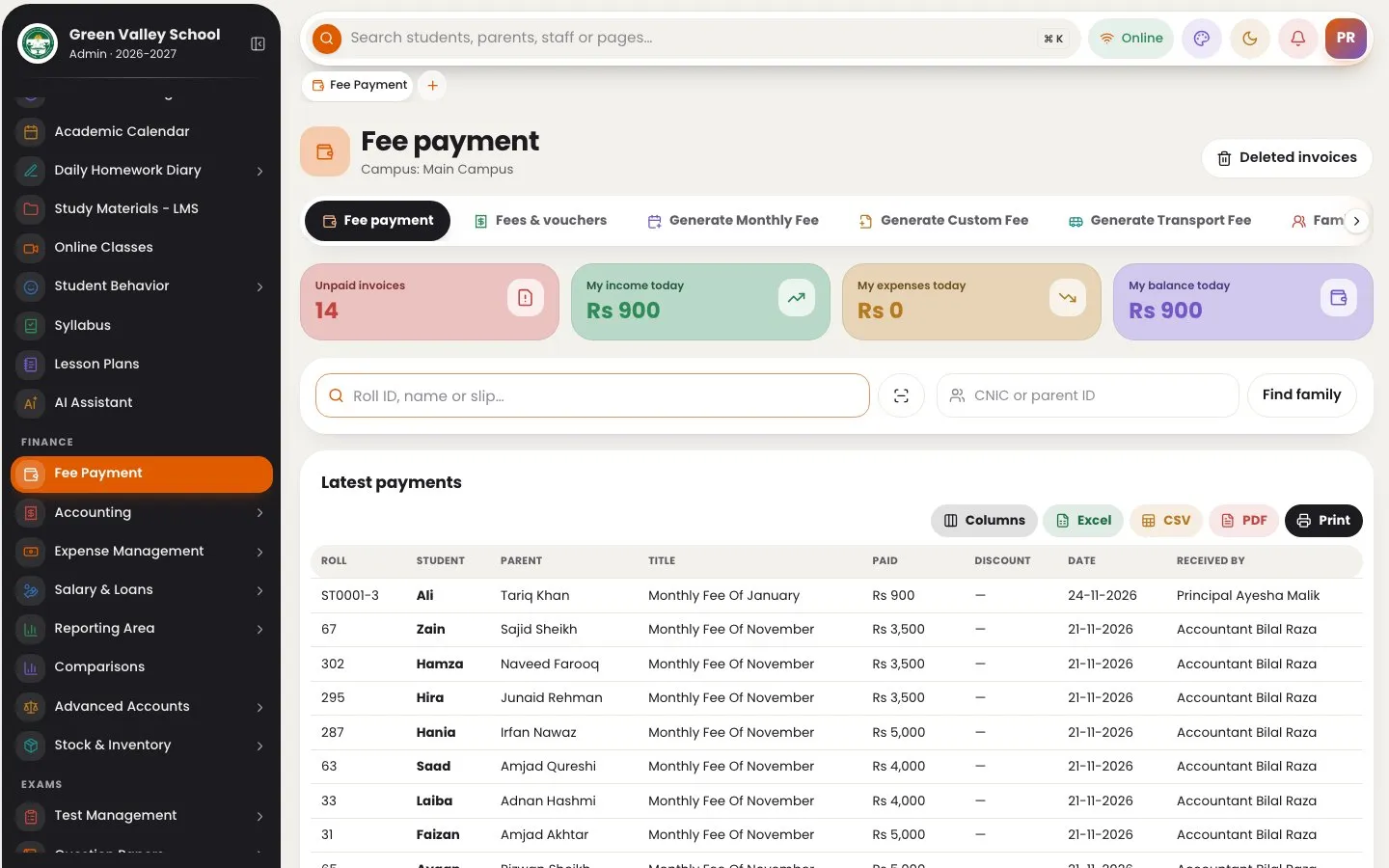

Unpaid fees are the most common cash problem in private schools. The good news: most late payments are not refusals — they are reminders that never arrived or payments that were inconvenient. These steps fix that.
1. Publish one clear fee plan
Every family should know the amount, the due date and the late-fee rule before the year starts.
2. Generate fees automatically
In EasySchoolin the month's fees for every class are generated in one click, with sibling and scholarship discounts worked out for you.
3. Send the invoice where parents read
Print vouchers or send them on WhatsApp and the parent app. A voucher in the parent's hand is paid faster than one in a drawer.
4. Remind before the due date
A friendly reminder three days before the due date prevents most late payments.
5. Make paying easy
Accept cash, bank transfer and — where a supported gateway exists in your country — online payment. Record every payment in seconds and send a receipt immediately.
6. Accept part-payments
A family that pays half today is better than one that pays nothing. The balance stays on the next invoice automatically.
7. Ask for a promise date
When a parent cannot pay, record the date they promise. EasySchoolin reminds them before and on that date.
8. Review defaulters every week
A five-minute weekly look at the defaulter list, class by class, keeps small balances from becoming large ones.
9. Thank the families who pay on time
A receipt and a thank-you message build the habit you want.
Frequently asked questions
Can the software add late fees automatically?
Yes. After the due date the late fee you set is added, and it can be waived with one click.
Can parents see their fees in the app?
Yes — vouchers, payment history and balances.